
In short
- Truly free readers: Komga and Kavita (self-hosted servers), Perfect Viewer classic (Android), CDisplayEx on Windows and YACReader on Windows, macOS and Linux. They show only files you put in them.
- Store apps from Lezhin, Toomics, Tappytoon, Manta and Lalatoon are free to install and carry no adult catalogue. The explicit editions are on the websites.
- Web apps need no install: Honeytoon, MangaPlaza and TOPTOON Plus are browser-only, and FAKKU and Irodori Comics sell and read in the browser too, each with a few free titles.
- Phone readers that cost money: YACReader's iPhone and Android apps ($4.99 and $4.49) and Panels' lock and server features.
An NSFW comics app comes in three kinds, and only one of them is both free and adult (the rest of the free adult comics section covers the sites). A reader opens files you own, so it holds whatever you load. A store app sells chapters, and the major ones keep the explicit editions out of the store build. A web app is a website you open on the phone. The free tier of each kind is described below, in the order it is most useful for adult comics.
Free local readers for NSFW comics you own
None of these hosts, sells or links to a comic. They open CBZ, CBR, PDF and image files, so the adult part comes from what you bought: DRM-free PDFs from Irodori Comics, Iron Circus, Affect3D, itch.io or FAKKU's book editions (the DRM-free downloads page lists who sells files). Where they sit in a store they are rated Everyone or 4+, which says nothing about what you load into them.
yesnonot confirmed
- Private library
- Offline reading
- iPhone app
- Android app
- Web reader
- Private library
- Offline reading
- iPhone app
- Android app
- Web reader
- Private library
- Offline reading
- iPhone app
- Android app
- Web reader
- Private library
- Offline reading
- iPhone app
- Android app
- Web reader
- Private library
- Offline reading
- iPhone app
- Android app
- Web reader




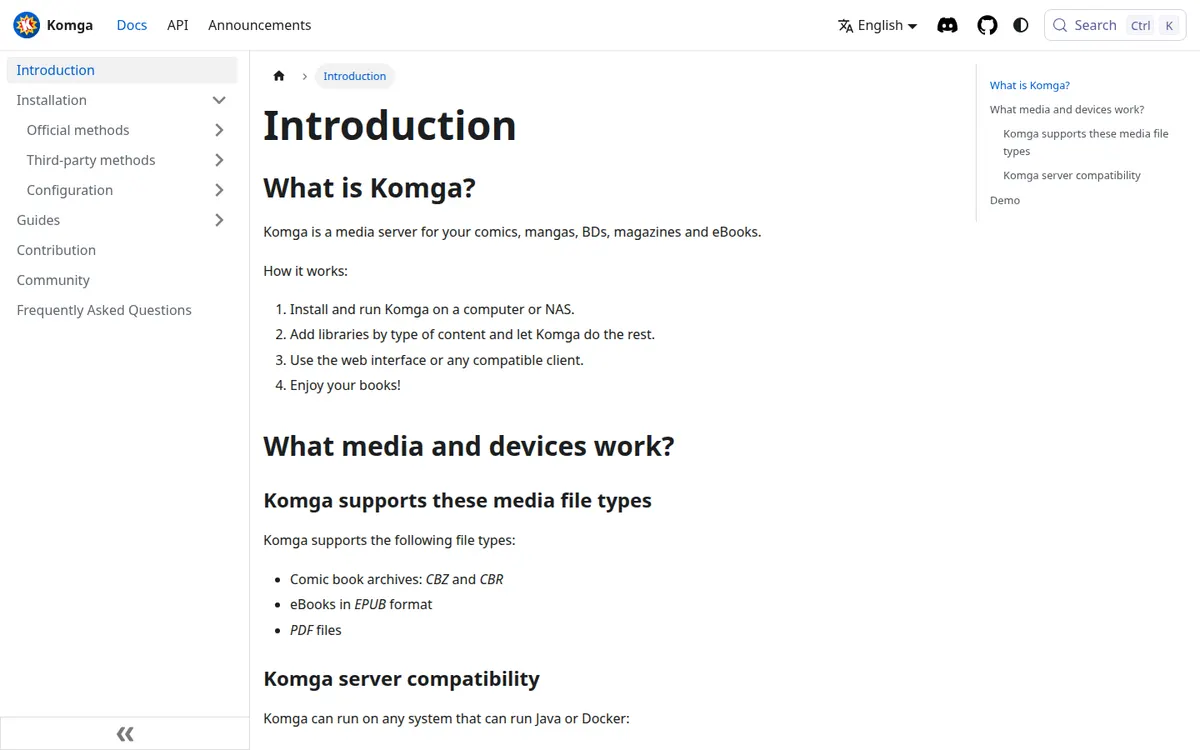
Komga
Best free server for a private library
- Price
- Free
- Type
- self-hosted comic and manga server
- Formats
- western comics, manga, webtoons
- Free reading
- Yes
Komga is free and open source, with nothing paid behind it. You run it on a computer or NAS, create accounts, and read in its built-in web reader or in any OPDS app. Its content restrictions work per user by age rating and by labels, and an administrator can limit which libraries each account sees, which suits a shared household. The price is setup: Java or Docker, or the desktop app, and no official phone app. Phones use the browser or third-party clients, and Komga names Panels and Paperback as third-party readers.
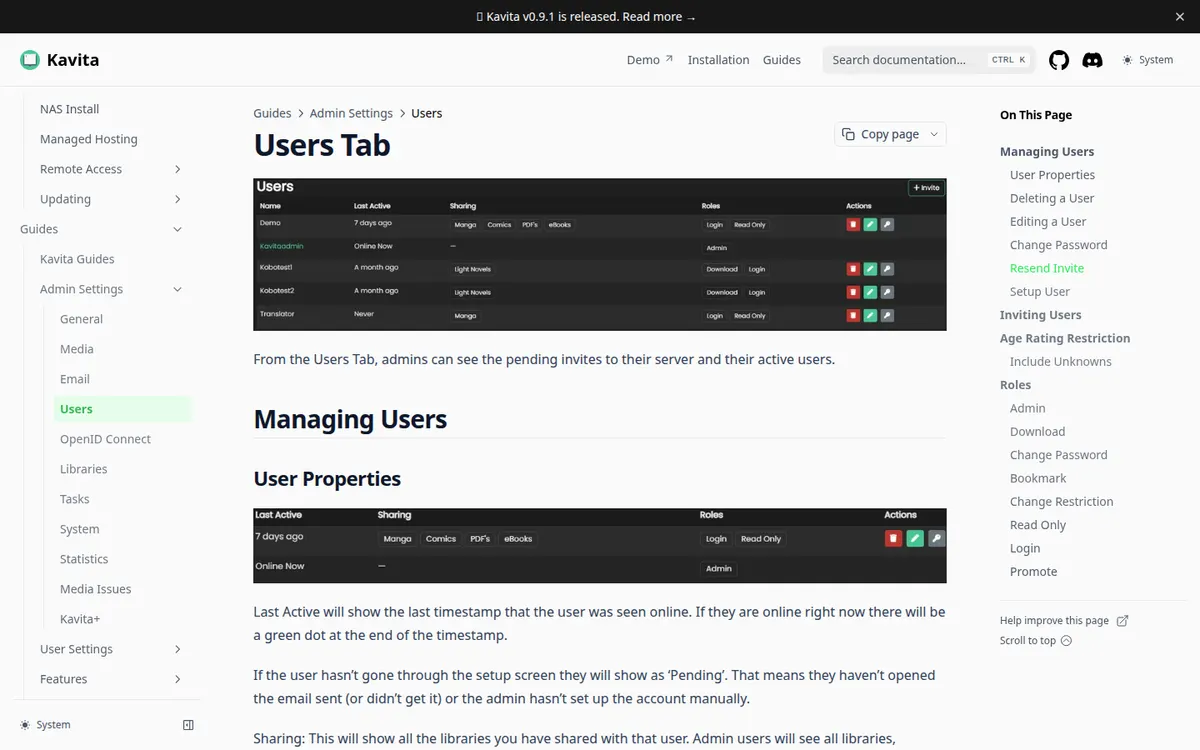
Kavita
Best free server for webtoon-style scrolling
- Price
- Free tier · $4.00/mo
- Type
- self-hosted comic, manga and e-book server
- Formats
- western comics, manga, webtoons
- Free reading
- Yes
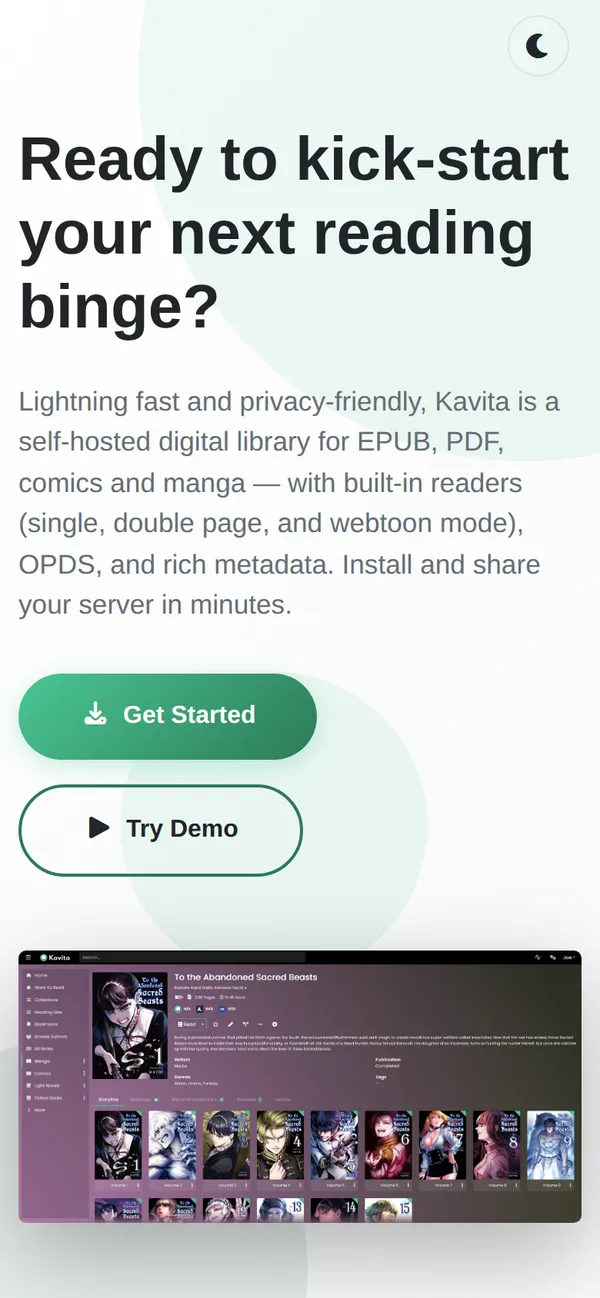
Kavita is also free and self-hosted, with built-in web readers that include a webtoon mode, rating restrictions and library limits per user. Metadata sync, recommendations and external ratings need Kavita+, $4 a month, and none of that is needed to read. It reports an install count to its home page, so some telemetry exists; the privacy details were not checked. Like Komga it has no official iOS or Android app on its own site.
Perfect Viewer
Best free Android app with no ads or data collection
- Price
- Free tier · from $2.99 (Perfect Viewer X (Android))
- Type
- local file reader for comics and e-books
- Formats
- western comics, manga, webtoons
- Free reading
- Yes
The classic Perfect Viewer is free on Google Play with no "Contains ads" label, and its Data safety card declares no data collected or shared. Settings, bookmarks and reading history stay on the device, per its privacy policy. It opens most comic archives, PDFs and e-books from the device or a network share, and has right-to-left and vertical scroll modes for manga and webtoon-style files. It documents no passcode or hidden library. Perfect Viewer X, the paid successor, costs $2.99 on Android and $4.99 on Apple devices.
CDisplayEx
Best free reader on a Windows PC
- Price
- Free tier · from $5.99 (CDisplayEx Comic Reader Premium (Android))
- Type
- local file reader for comics
- Formats
- western comics, manga
- Free reading
- Yes
CDisplayEx has a free Windows desktop reader and, on Android, a free Lite version with ads. The $5.99 Premium version removes the ads and adds Komga and Kavita server access, Samba shares, cloud services, bookmarks and night mode. Lite's Data safety card says it may share app activity, app info and device IDs with third parties, which matters for a reader you use on adult files. There is no iPhone or iPad version.
YACReader
Best free desktop library, paid phone apps
- Price
- Free tier · from $4.49 (YACReader for Android)
- Type
- comic reader and library manager for your own files
- Formats
- western comics, manga, webtoons
- Free reading
- Yes
YACReader's desktop reader and YACReaderLibrary server are free and open source for Windows, macOS and Linux. The phone companions cost money: $4.99 on iPhone and iPad and $4.49 on Android. The iOS app can lock chosen folders behind parental control, which the Android page does not list. Android got local import only in version 1.12, in October 2026, before which it was mostly a client for your own YACReaderLibrary.
iPhone readers deserve a separate line. Panels reads, imports and tracks progress for free, but the password and Face ID lock, incognito mode and OPDS support for Komga and Kavita need Panels Premium ($1.49 a month, $14.99 a year or $19.99 once). The iPad-only Chunky reader has not been updated since August 2020 and Komga says it no longer works with Komga 1.4.0 and later. Our best hentai manga apps ranking compares phone readers by comfort, and the private library feature page goes into locks and history.
Store apps: free chapters, no adult content
The big webtoon apps can be installed free and read free for a few chapters, then they charge. They contain no explicit catalogue, and the reason is documented. Apple's App Store rules ban pornographic material outright and allow incidental NSFW content only when it is hidden by default and shown after the user switches it on through the service's website. Google's rules also leave little room. Lezhin's developer reply on its App Store page says so directly: Due to Apple's policy, mature content cannot be provided on apps.
Service by service:
- Lezhin: App Store build rated 12+, Play build rated 13+, no R-rated titles. R-rated titles are on the website and in the separate Android PLUS APK.
- Toomics: the apps hold the all-ages build, and adult series are on the website only.
- Tappytoon and Manta: apps rated 17+, with the Steamy, Uncut and Full ver. editions on the web only.
- Lalatoon: apps rated 12+ with no sexual-content advisory, an 18+ toggle on the web.
So an "NSFW comics app" in a store is either a clean build of an adult service or a reader. If a listing promises porn comics inside an iPhone app, it is not one of the services we cover. The free reading each service gives, and how far it goes, is in the free adult webtoons breakdown.
Web apps that run in the browser
The browser is where adult comics are actually read. These need no install and cost nothing to open, and each hands out a sample.
yesnonot confirmed
- Free reading
- Web reader
- iPhone app
- Android app
Age check click-through 18+ question; ID check via Yoti where local law requires it
- Free reading
- Web reader
- iPhone app
- Android app
Age check Self-declared 18+ toggle
- Free reading
- Web reader
- iPhone app
- Android app
Age check Self-declaration prompt, then login
- Free reading
- Web reader
- iPhone app
- Android app
Age check Self-declaration checkbox at sign-up
- Free reading
- Web reader
- iPhone app
- Android app
Age check Terms self-affirmation and an 18+ footer notice





MangaPlaza has no app at all, only the site, with the first chapter of most titles free and a Now Free shelf, behind a self-declared 18+ toggle. Honeytoon is web only and marks the first few episodes of each series free. FAKKU gives one free title a week plus whatever carries the Free tag, and Irodori Comics lists about 14 artist-approved titles free to read online. All of them are paid beyond the free part; the free vs paid comparison says where the line falls.
What readers ask about Mihon
Mihon is a free, open-source Android reader that ships with nothing in it. Installed on its own it reads files and folders you point it at, through its local source, and its official Komga extension reads a Komga library. It comes as an APK from its own site, not from Google Play, and it has no iOS version: its site says that any app calling itself Mihon for iOS is not theirs and should be treated as a scam. It has an app lock, a secure-screen mode and an incognito mode. Sources are third-party add-ons, which we do not cover, and Mihon itself warns that such extensions have full access to the app and may contain malware.
FAQ
Is there a free app for NSFW comics?
There are free readers, but no free app that comes with an adult catalogue. Readers open your own files; store apps sell clean builds; the adult editions are on websites.
Why can't I find 18+ webtoons in the Lezhin or Toomics app?
Both keep adult series out of the store builds because of Apple and Google policies, and say so on their own pages. Open the website in a browser.
What is the best free comic reader for Android?
Perfect Viewer classic is free with no ads label and no data collected, per its listings. CDisplayEx Lite is free with ads. Both read local files.
Can I read my own NSFW comics on an iPhone for free?
Yes, in Panels' free tier for importing and reading. The lock and Komga or Kavita connection need Premium. YACReader's iPhone app costs $4.99.
Is Mihon safe?
Mihon's own documentation warns about third-party extensions. The app is Android-only and distributed as an APK from its site; its privacy policy names Google Analytics and Firebase Crashlytics.
Final verdict
Verdict
Install Komga or Kavita if you have a spare computer and a collection worth organising, Perfect Viewer if you have an Android phone and a folder, and keep the store apps for their clean libraries. For the explicit editions use the browser.