
In short
- Panels runs on iPhone, iPad and Mac only. There is no Android version.
- Importing, organizing, reading and progress tracking are free.
- Premium adds the password or Face ID lock, incognito mode, OPDS for Komga and Kavita, themes and page filters.
- Panels+ costs $1.49 a month or $14.99 a year; a one-off $19.99 unlocks the current major version (US App Store).
What Panels is
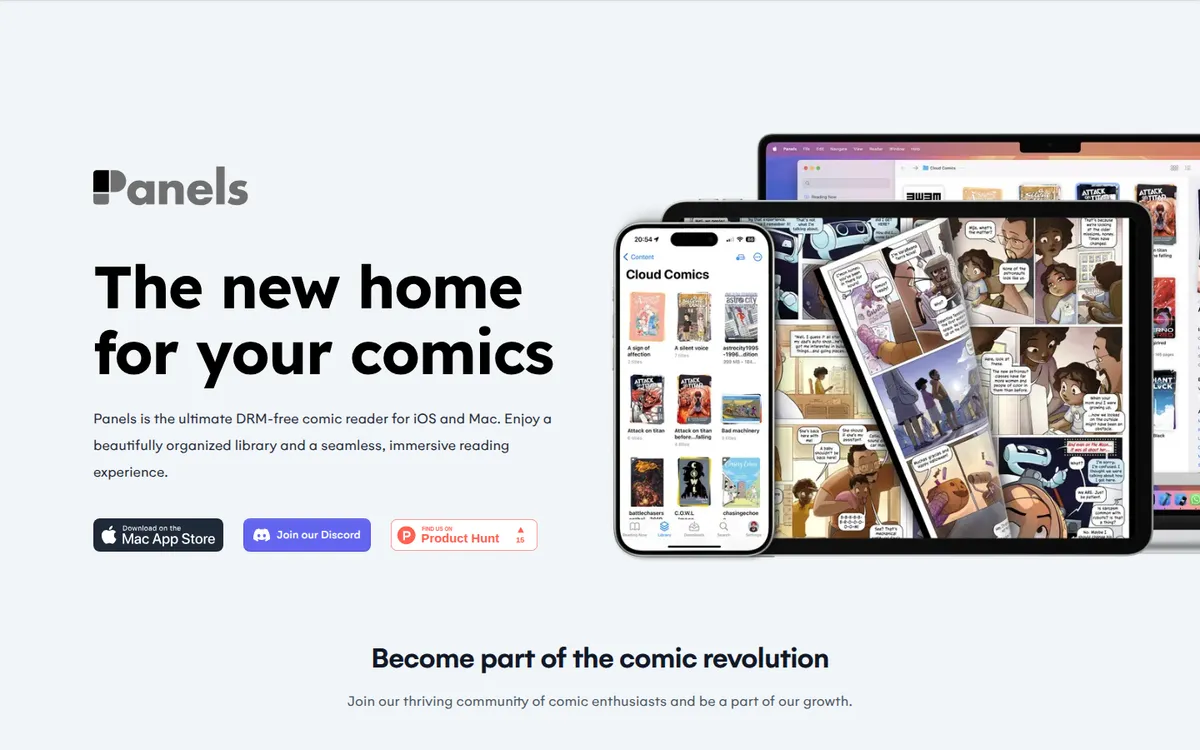
Panels is a reader for comics you own, made by Produkt Software Engineering S.L. in Las Rozas de Madrid. It has been on the App Store since October 2017; the current major version is Panels 3. It reads western comics, manga in right-to-left mode, and long-strip files in a vertical mode the site pitches For manwha lovers
.
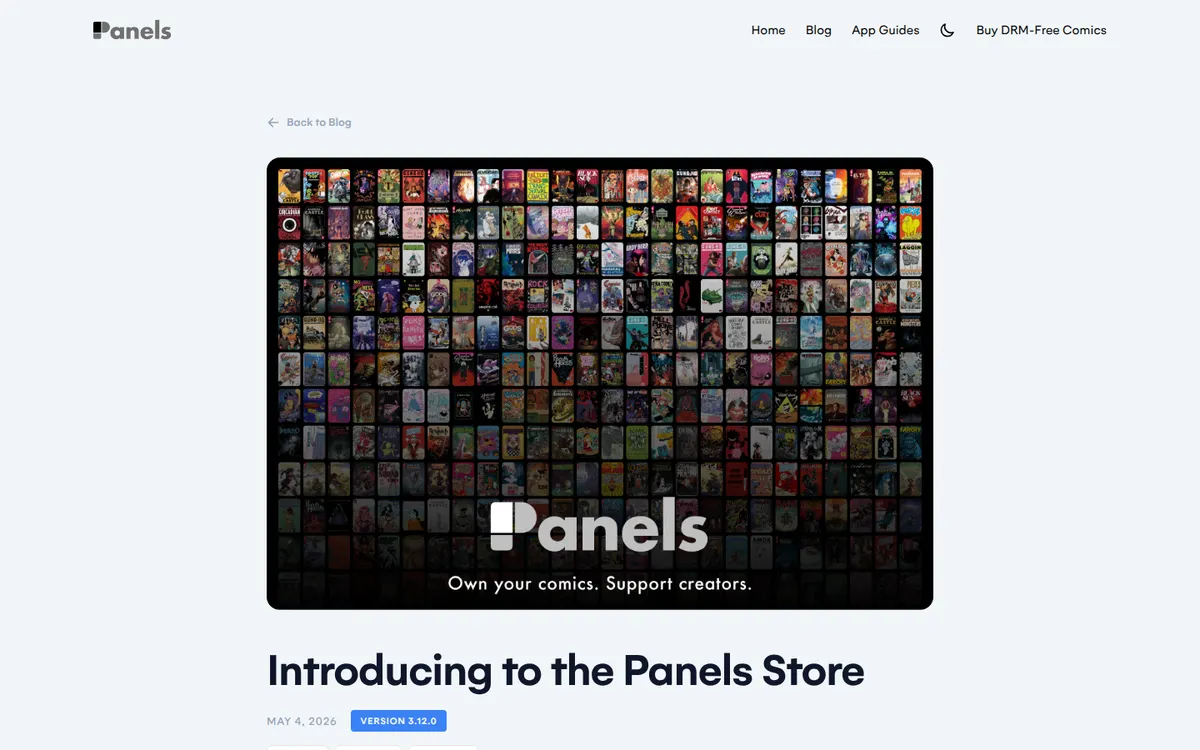
Since May 2026 Panels also sells comics through the Panels Store, inside the app and on panels.store. That store is covered further down; for adult readers the reader is the part that matters.
Where to get it
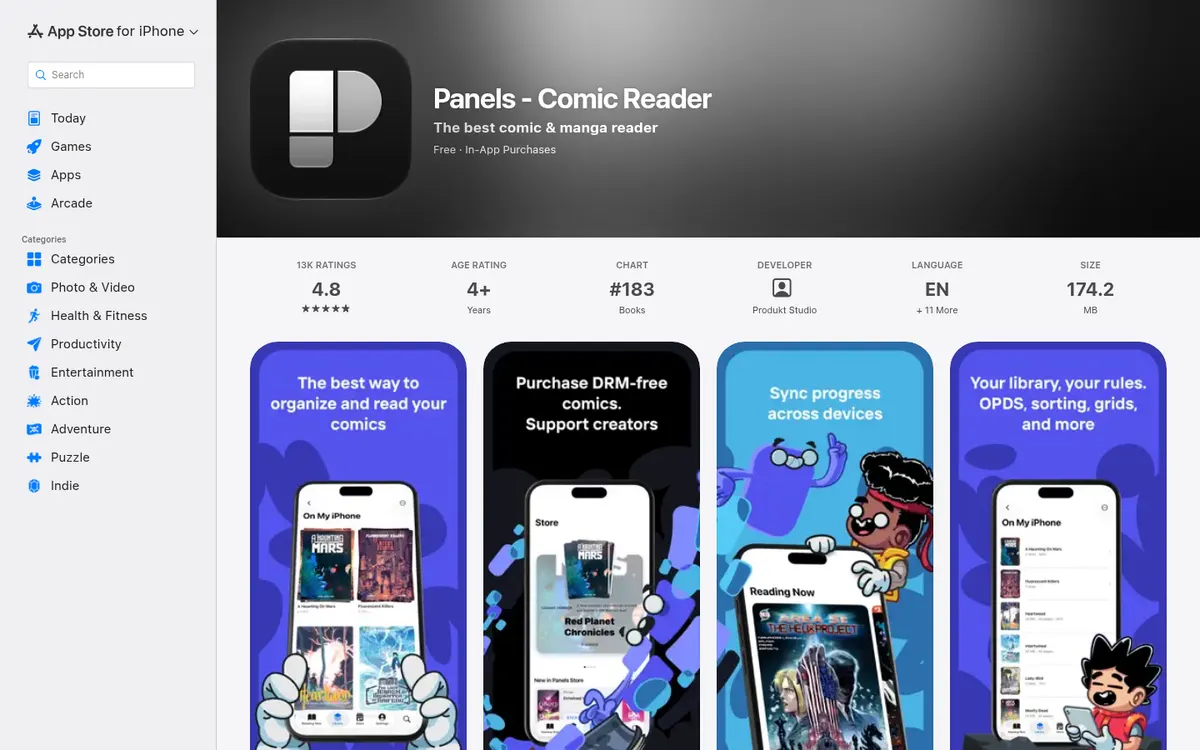
"Panels - Comic Reader" is a free download on the App Store, with in-app purchases, rated 4+. The 4+ rating reflects the app, which opens whatever you import; it ships with no comics of its own.
Android users are asked to wait. The Android page says We hear the request a lot, but we haven't committed to Android
, and points to Komga or Kavita instead.
- iPhoneYesPanels - Comic Reader, free with in-app purchases, iPhone, iPad and Mac, updated 2026-10-22.
- AndroidNo"We hear the request a lot, but we haven't committed to Android."
- BrowserNoApps for iOS, iPadOS and macOS only; the Panels Store website sells comics to read in the app.
What Panels reads, and where files come from
The App Store page lists CBR, CBZ, CB7, PDF and comic ePUB (not text eBook)
, plus WebP and other image formats. Files can come in from iCloud Drive, Dropbox, OneDrive, Substack, OPDS servers (Komga, Kavita, Codex), SMB shares, an embedded web server for transfers from a computer, external drives and AirDrop.
That list covers every DRM-free adult comics purchase we track. Irodori Comics sells uncensored doujinshi as PDFs at 3200 pixels tall. FAKKU's book digital editions download as PDFs or ZIP archives of images. Iron Circus Comics sells DRM-free PDFs of its erotica line, and Affect3D Store delivers ZIPs with PNG, JPG or PDF comics inside. Creators on itch.io and Patreon attach files in whatever format they choose. On an iPhone, one route is to save the download to iCloud Drive or the Files app, then import from there.
The downloads feature page lists which platforms sell files you keep and which lock purchases inside their own apps.
What is free and what Premium adds
Panels' FAQ is generous about the free tier: Panels is a free app. You can download it for free and use many of its features: import comics, organize your library, read and track progress and many more.
No ads are mentioned on the App Store page and no account is needed.
The App Store marks these features as needing an active subscription or a one-time purchase
:
- Secure your content: the password or Face ID lock, and incognito mode
- OPDS support, for Komga, Kavita and other servers
- Themes and reading presets
- Live Text and experimental features
The FAQ adds page filters and cloud libraries to the Premium side.
- monthPanels+ Monthly$1.49all Premium features while active
- yearPanels+ Yearly$14.99all Premium features while active
- oncePanels 3 (one-off)$19.99current major version features forever
- oncePanels 3 Upgrade$9.99upgrade for earlier buyers
- oncePanels 2 (one-off)$19.99previous major version
Source: apps.apple.com. Prices change with region, promotions and the store you buy through.
US App Store prices. The one-off purchase unlocks the current major version features forever
, which means Panels 3; when a Panels 4 arrives, its new features are a new purchase. Earlier buyers can upgrade to Panels 3 for $9.99. The arithmetic is simple: the $19.99 one-off costs less than the monthly plan from the 14th month, and less than the yearly plan during the second year.
Privacy: password lock and incognito mode
For a private collection this is the section that matters. The App Store wording: Secure your content: Keep files locked using a password or Face ID for your collections and files. Use Incognito mode to keep your reading sessions hidden.
The site puts it more simply: Lock any comic or folder with a password for added privacy.
The lock works per comic or folder, so a shared iPad can keep a general library open and an adult folder closed. Incognito mode hides reading sessions. Clearing past history is not documented on the pages we checked.
On data, the App Store privacy card lists user content, identifiers, usage data and diagnostics as "Data Not Linked to You". The privacy policy was last updated August 9, 2021. Our private library page compares this lock with YACReader's folder lock and Mihon's app lock.
Tip
The lock is a Premium feature. If privacy is the reason you are installing Panels, budget for Panels+ or the one-off from the start.
Komga, Kavita and offline reading
With Premium, Panels becomes a client for a self-hosted library. Komga's documentation confirms that its OPDS feed in Panels needs Panels+ or the in-app purchase. Panels' own site describes the feature as Stream or download
, with whole series downloadable for offline reading.
Files imported from iCloud or the device read offline without any server. For a server-and-phone setup in more detail, see reading manga offline.
The Panels Store
Panels launched its own store on May 4, 2026. The App Store description says purchases are 100% DRM-free: every purchase is yours to keep, read offline and back up
, and that Creators keep 80% of revenue
. Store purchases need no extra account.
Its front page shows mainstream publisher and indie titles, ABLAZE among them, and prices showed in euros from an EU connection. The store's policy on adult comics is not confirmed, so treat it as a general comics shop. Adult comics come from the stores listed above.
Limits
Apple devices only. The lock and OPDS are paid. The one-off covers one major version. Page bookmarks are not named on the pages we checked, and neither is a way to clear reading history. If you subscribe, cancel through Apple's subscription settings like any App Store subscription; our guide to cancelling comic subscriptions has the steps.
Pros
- Usable free tier: import, library, reading and progress.
- Password or Face ID lock per comic or folder, plus incognito mode.
- Streams and downloads from Komga, Kavita and other OPDS servers.
- Reads PDF, CBZ, CBR, CB7 and comic EPUB.
Cons
- No Android version.
- Privacy lock and OPDS are Premium only.
- The one-off purchase covers the current major version only.
Panels alternatives
YACReader is the closest iPhone alternative: $4.99 once, reads PDF and the RAR family, and documents a parental-control lock for chosen folders without any subscription. Perfect Viewer X is $4.99 on iPhone, iPad and Mac, with more formats and no documented lock. Chunky Comic Reader, which some readers remember for its passcode-protected parental mode, is iPad-only, has not been updated since August 2020, and Komga's docs say it no longer works with Komga 1.4.0 or later.
On Android, where Panels does not exist, look at Perfect Viewer, CDisplayEx or Mihon. The full field is on our apps page.
FAQ
Is the Panels app free?
Yes for importing, organizing, reading and progress tracking. The password lock, incognito mode, OPDS, themes, presets and page filters need Panels+ ($1.49 a month or $14.99 a year) or a one-off $19.99 purchase (US prices).
Is Panels available on Android?
No. Panels says it has not committed to Android and points Android users to Komga or Kavita.
Can Panels lock comics with a password?
Yes, with Premium: a password or Face ID lock on chosen comics and folders, plus an incognito mode that keeps reading sessions hidden.
Does Panels work with Komga and Kavita?
Yes, through OPDS, which needs Panels+ or the one-off purchase. You can stream or download whole series for offline reading.
Does the Panels Store sell adult comics?
Not confirmed: the store's adult-content policy is unknown, and its front page shows mainstream titles. Buy adult comics as DRM-free files elsewhere and import them.
Final verdict
Verdict
Of the Apple readers we cover, Panels has the fullest privacy features, a per-folder password or Face ID lock plus incognito mode, with one condition: those features and server access cost extra. For a private library on an iPhone or iPad, the $19.99 one-off is the sensible way to buy it. If you only need a lock and can live with a plainer app, YACReader's $4.99 gets one with no subscription.