

In short
- Kavita is free and GPL-3.0. You run it on Windows, macOS, Linux, Docker or a NAS.
- Its browser readers handle EPUB, PDF and image comics (CBZ, loose images), with webtoon, single-page and double-page modes.
- Accounts can be restricted by library and by age rating; logins are built in or through OIDC.
- Kavita+ costs $4 a month, $2 for the first month with the code FIRSTTIME, and is node-locked to one server.
- Kavita names no official phone app. Phones read through the browser, OPDS apps or third-party clients.
What Kavita is
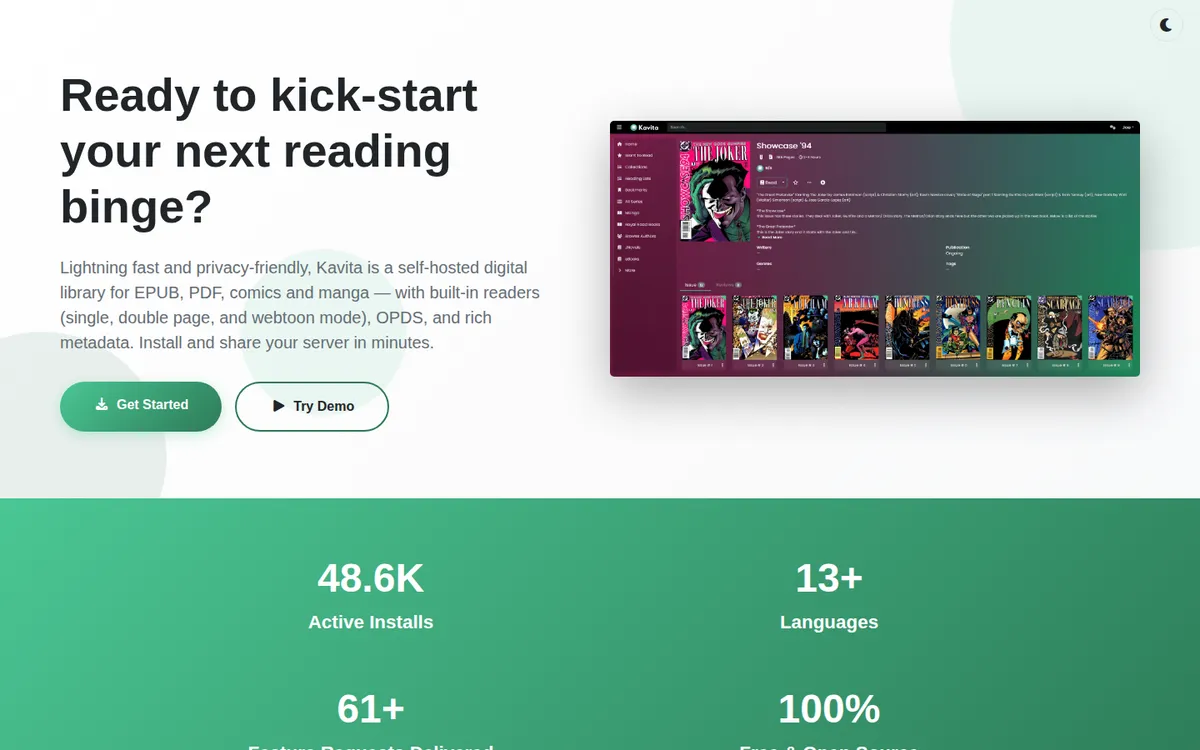
Kavita describes itself as a self-hosted digital library for EPUB, PDF, comics and manga
. You install it on a machine you own, point it at your folders, and read from any browser on your network. It has no catalog and sells no comics. The site calls it Self-hosted, free, and open source.
The project's footer reads "© 2020-2026 Kavita", the code is on GitHub under GPL-3.0, and release v0.9.1.4 came out on September 2, 2026. The home page shows an "Active installs" counter of 48.5K and links a public demo.
Where Kavita stands out is reading in the browser. Its site promises Dedicated, hand-crafted readers for EPUB, PDF, and image-based media (CBZ, loose images)
with webtoon mode, single page mode, dual-page (double page) spreads
. For a collection with a lot of long-strip adult webtoons, that webtoon mode means a phone browser can be the whole reading app.
Installing Kavita
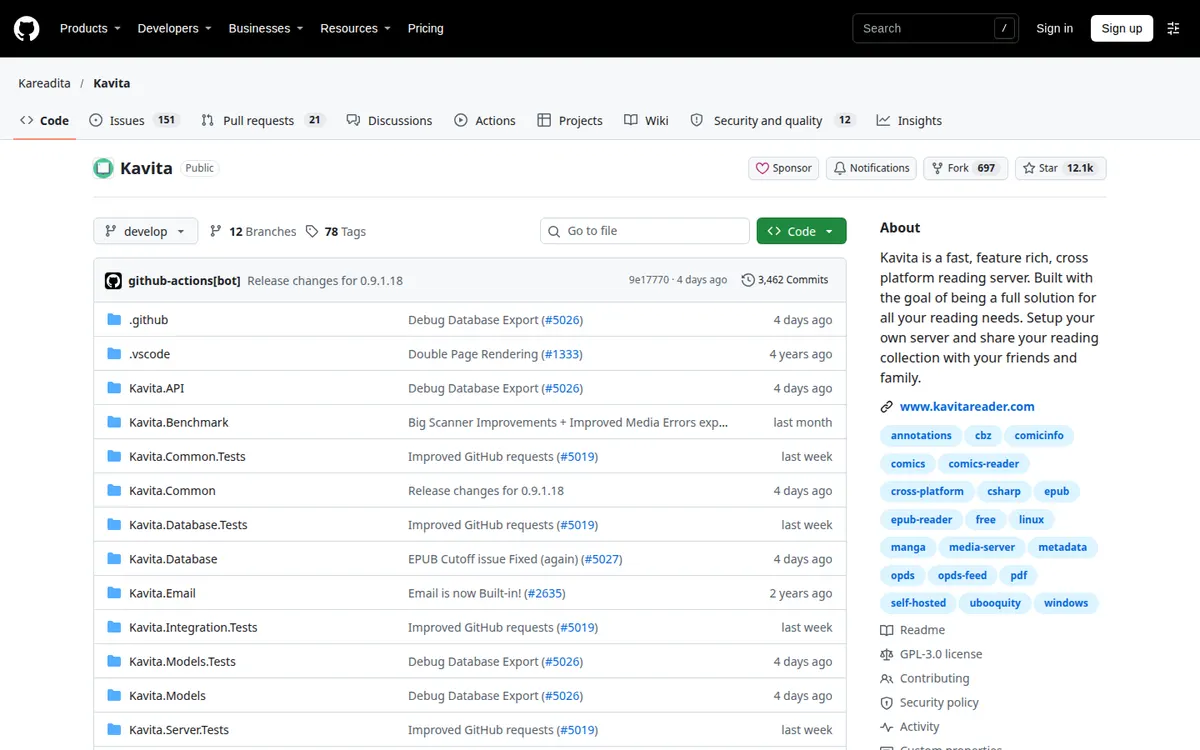
The wiki has native builds for Linux, macOS and Windows, and Kavita also runs in Docker and on a NAS. As with any server, it reads only while the machine is on and reachable. There is no app-store listing and so no store age rating; what each account may see is set by you.
- iPhoneNoNo official iOS app named on kavitareader.com; the wiki lists third-party clients (Panels, Paperback, Aidoku, Komic and others).
- AndroidNoNo official Android app named on kavitareader.com; the wiki lists third-party clients including Mihon, CDisplayEx and Komic. Panels'…
- BrowserYesBuilt-in web readers served from your own server; public demo linked from the home page.
What Kavita reads, and which purchases fit
The formats Kavita names are EPUB, PDF, CBZ and folders of loose images. Its home page does not name CBR, so plan on CBZ or PDF for comics. The DRM-free stores we cover sell in those formats:
| Store | Download | In Kavita |
|---|---|---|
| Irodori Comics | DRM-free PDF, 3200 px tall | PDF reader |
| FAKKU (book digital editions) | PDF or ZIP of images | PDF reader, or rename the ZIP to CBZ |
| Iron Circus Comics | DRM-free PDF | PDF reader |
| Affect3D Store | ZIP with PNG, JPG or PDF | Images as CBZ; PDFs unpacked first |
| itch.io, Patreon attachments | Creator's choice | Depends on the file |
Our DRM-free downloads page lists which platforms let you keep files at all.
Reading Kavita on a phone
Kavita's site names no official iOS or Android app. You have three routes:
- The browser. The built-in readers, webtoon mode included, run in a phone browser.
- OPDS. Kavita publishes OPDS feeds, so OPDS readers such as Panels (with Premium) or CDisplayEx Premium can read from it.
- Third-party clients. Kavita's wiki lists third-party clients, among them Panels and Komic, and Mihon and CDisplayEx on Android.
Panels' Android page mentions "official Android clients" for Komga or Kavita. Kavita's own site does not name one, so we do not either.
There is also "Send to Device", which sends a file to an e-reader (Send to Kindle) so you can read offline instantly
.
Offline reading
The browser readers stream from your server and need a connection to it. Offline reading comes from the client: an OPDS app that downloads, or Send to Device. Accounts need the Download role before they can pull files. Our guide to reading manga offline covers server-plus-phone setups in more detail.
Privacy and access control
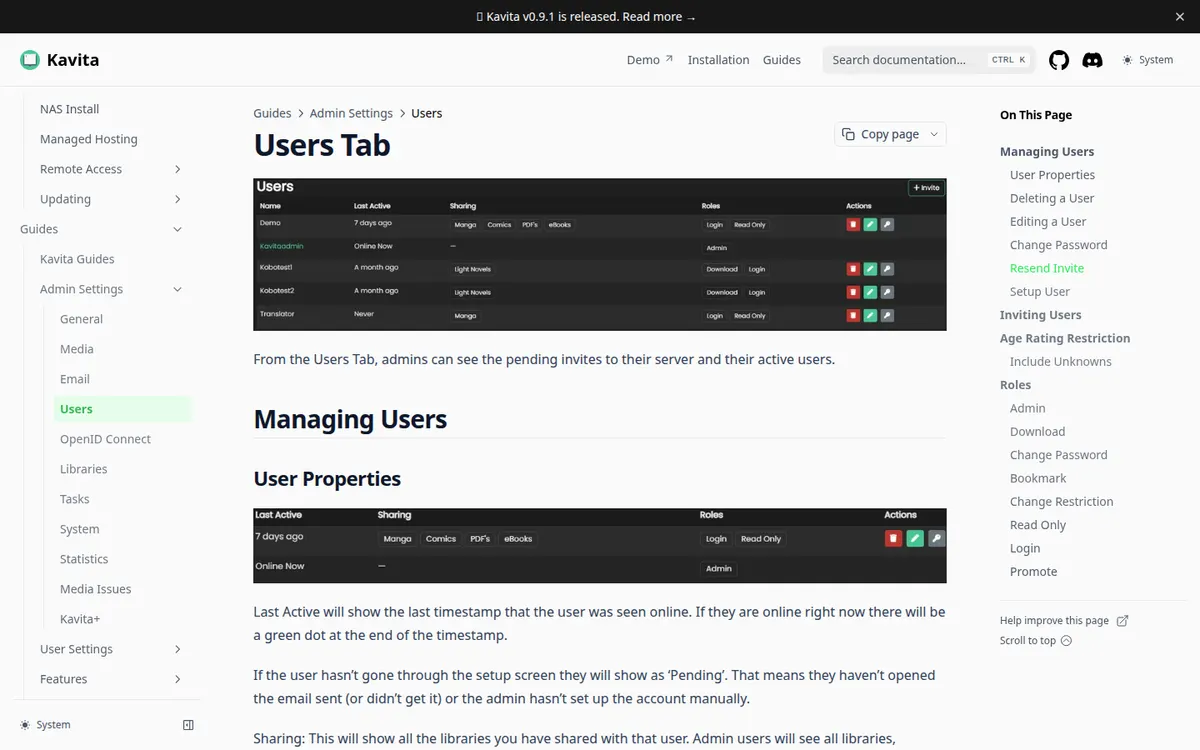
Kavita's controls are on the server. The home page lists two that matter for adult collections: Restrict access based on library or age restrictions
and Rating Restrictions: Restrict content visibility by rating with customizable age controls and policies.
Logins are built in, or through OIDC if you already run a single sign-on provider.
Per-user roles cover downloading and bookmarking. Put adult comics in their own library, give general accounts access to the rest, and the restriction holds in the browser and in any client that signs in with that account. The private library page compares this with app-level locks.
The home page calls Kavita "privacy-friendly". Its active-install counter means the server reports something about installs; what exactly was not checked.
Price: Kavita and Kavita+
Kavita itself is free. Kavita+ is the optional subscription, and it adds:
- Progress sync with AniList, MAL, Mangabaka and Hardcover
- External ratings and reviews
- Recommendations
- Automatic metadata
- onceKavitaFreefree, open source (GPL-3.0)
- monthKavita+$4.00progress sync, external metadata, recommendations; $2 first month with coupon FIRSTTIME; node-locked to one server
Source: kavitareader.com. Prices change with region, promotions and the store you buy through.
Prices on kavitareader.com. The site's wording: Monthly subscription, node-locked to your server. All users benefit once activated.
One subscription therefore covers every account on that server. Payment runs through Stripe, and the site says you can Cancel anytime
. The first month is $2 with the coupon FIRSTTIME, then $4 a month.
Every reading feature is in the free server; Kavita+ adds metadata and tracking on top. If you never use AniList or MAL, there is little reason to pay.
Limits
You have to install and run it. No official phone app is confirmed. CBR is not named among the formats. Metadata sync and recommendations need Kavita+. And the details behind the install counter are not documented on the pages checked.
Pros
- Free and open source; the library stays on your machine.
- Restrictions by library and age rating, with OIDC logins.
- Browser readers with webtoon, single-page and double-page modes.
- OPDS for phone apps.
Cons
- Needs a computer, NAS or Docker host.
- No official phone app confirmed.
- Kavita+ at $4 a month for metadata and sync.
Kavita vs Komga, and other options
Komga is the closest alternative: free, MIT-licensed, with per-user restrictions by age rating and by label, CBR support named in its docs, and an official Mihon extension. Kavita's advantage is its browser reading, the webtoon mode in particular, and OIDC logins. Both feed Panels and CDisplayEx Premium over OPDS.
Without a server, a local reader does the job on one device. Perfect Viewer is free on Android, YACReader adds a desktop library with paid phone apps, and Panels covers Apple devices. They are all compared on our comic reader apps page.
FAQ
Is Kavita free?
Yes. Kavita is free and open source under GPL-3.0. Kavita+ is an optional $4-a-month subscription for progress sync, external ratings, recommendations and automatic metadata.
How much is Kavita+?
$4 a month, with the first month at $2 using the coupon FIRSTTIME (kavitareader.com). It is node-locked to one server and covers all users on it.
Does Kavita have a mobile app?
Kavita's site names no official one. Phones use the browser readers, OPDS apps, or third-party clients listed on Kavita's wiki.
Can Kavita read webtoons?
Yes. The built-in image reader has a webtoon mode for long-strip files.
Can Kavita hide adult comics from other users?
Yes. Accounts can be restricted by library and by age rating.
Final verdict
Verdict
Kavita suits a household or a single reader with a big folder of DRM-free files who wants to read in the browser, adult webtoons especially, without installing apps on every device. The server is free, the age and library restrictions are solid, and Kavita+ is optional. If your files are mostly CBR, or you want restrictions by label as well as age rating, Komga fits better.