

In short
- Komga is free and MIT-licensed. You install it on Windows, macOS, Linux, Docker or a NAS.
- It serves CBZ, CBR, EPUB and PDF files to its own web reader, to OPDS apps and to Mihon through an official extension.
- The administrator can restrict each user by age rating and by label, and limit which libraries each user sees.
- There is no official phone app; phones read through the browser or a third-party client.
What Komga is
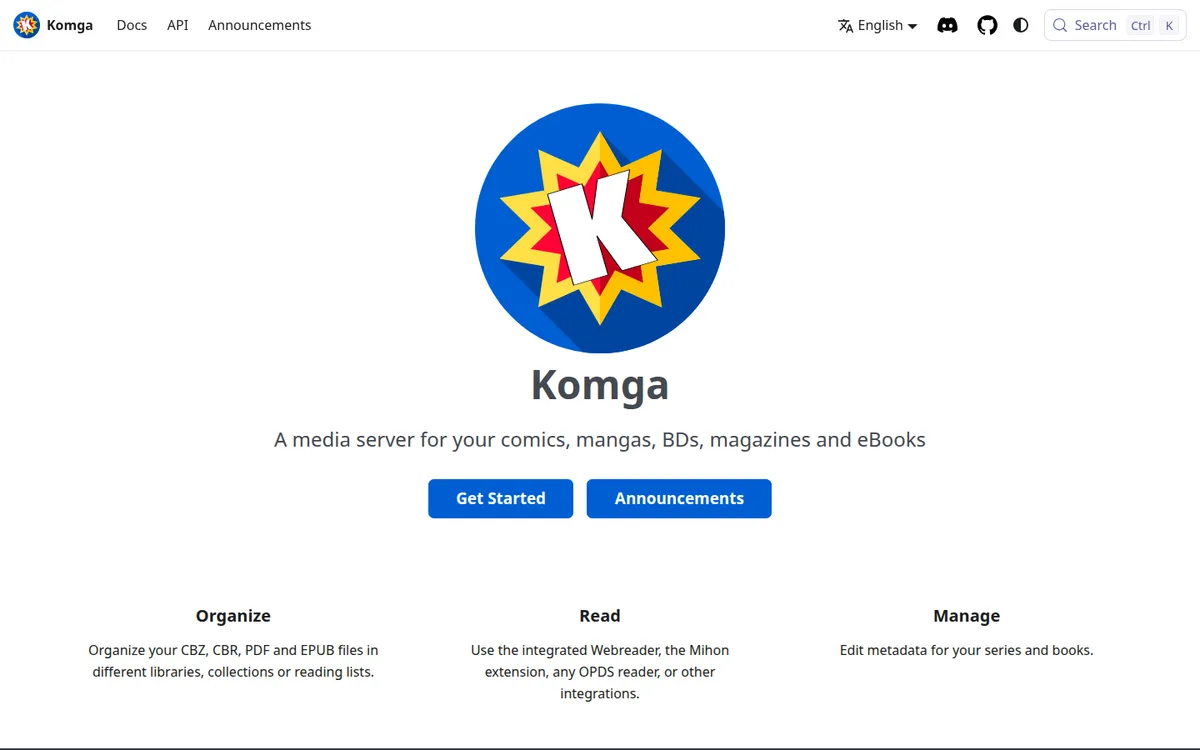
Komga calls itself a media server for your comics, mangas, BDs, magazines and eBooks.
You point it at folders of files, it builds a library, and every device in the house reads from that one copy. It has no catalog and sells nothing.
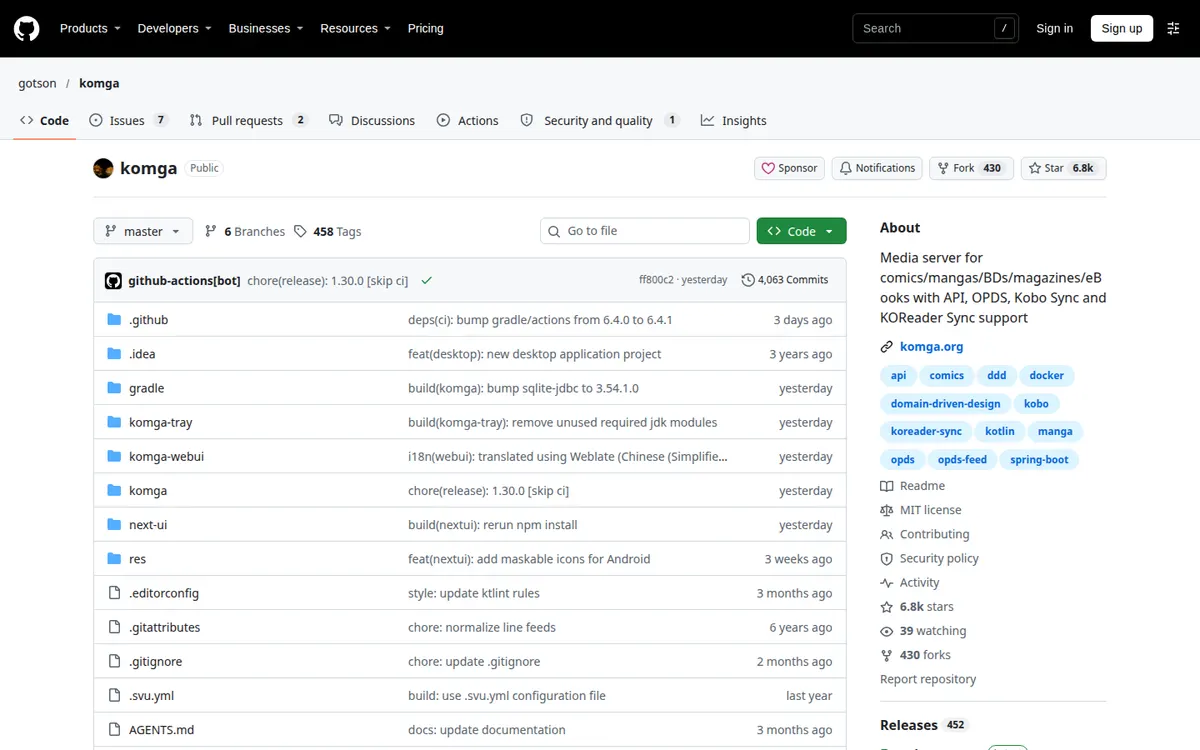
The project is open source under the MIT license, developed on GitHub. Release 1.29.2 came out on October 28, 2026. A public demo runs at demo.komga.org if you want to see the interface before installing anything.
For adult comics, a server solves three problems at once. Files stay on hardware you control. Several readers in one household can share the server without seeing each other's shelves. And the phone holds only what you download, so a lost or borrowed phone exposes less.
Installing Komga
Komga runs on Windows, macOS and Linux, in Docker, or on a NAS. Its docs also describe a Microsoft Store installation method for Windows; the store listing's age rating was not checked. A plain install needs Java, or you use Docker or the desktop app.
Because it is a server, there is no app-store rating that describes it, and no store decides what it may show. You decide, account by account.
- iPhoneNoNo official iOS app; Komga documents third-party readers such as Panels (OPDS) and Paperback.
- AndroidNoNo official Android app; Komga has an official extension for Mihon and works with OPDS readers.
- BrowserYesIntegrated web reader ("Use the integrated Webreader, the Mihon extension, any OPDS reader, or other integrations.") served from your own…
What Komga reads
The introduction lists three families: Comic book archives: CBZ and CBR
, eBooks in EPUB format
and PDF files
. That covers every DRM-free adult comics purchase we track:
- Irodori Comics: uncensored doujinshi as DRM-free PDFs, 3200 pixels tall.
- FAKKU: book digital editions as PDFs or ZIP archives of images.
- Iron Circus Comics: DRM-free PDFs of its erotic graphic novels and anthologies.
- Affect3D Store: ZIP downloads with PNG, JPG or PDF comics inside.
- itch.io creators and Patreon attachments: whatever the artist uploads.
A ZIP of images can be renamed to CBZ; a ZIP holding a PDF should be unpacked first. The DRM-free downloads page covers which stores sell files you keep.
How you read a Komga library
Komga's home page sums it up: Use the integrated Webreader, the Mihon extension, any OPDS reader, or other integrations.
| Client | Platform | What it costs | Notes |
|---|---|---|---|
| Komga web reader | Any browser | Free | Built in, streams from your server |
| Panels | iPhone, iPad, Mac | OPDS needs Panels+ or the one-off purchase | Downloads for offline use |
| CDisplayEx Premium | Android | $5.99 once | Library browsable offline; download books to read them |
| Mihon | Android | Free | Official Komga extension |
| Other OPDS apps (KOReader and others) | Varies | Varies | Not reviewed here |
Komga has no official iOS or Android app of its own, and the browser reader is enough to start: open the server's address on a phone, tablet or laptop on the same network and read. Native apps add downloads. Mihon is the free Android choice, through Komga's official extension. On an iPhone, Panels reads Komga too, but only with Premium, since OPDS is a paid feature there.
Offline reading and downloads
Offline depends on the client. The web reader streams from the server, so it needs a connection to it. Panels can download it for offline use
, and CDisplayEx Premium downloads books for offline reading. On the server, a user needs the "File Download" role, described as able to download the file of a book
, before any of that works.
For a step-by-step setup, our guide to reading manga offline pairs a server with phone readers.
Privacy: users, age ratings and labels
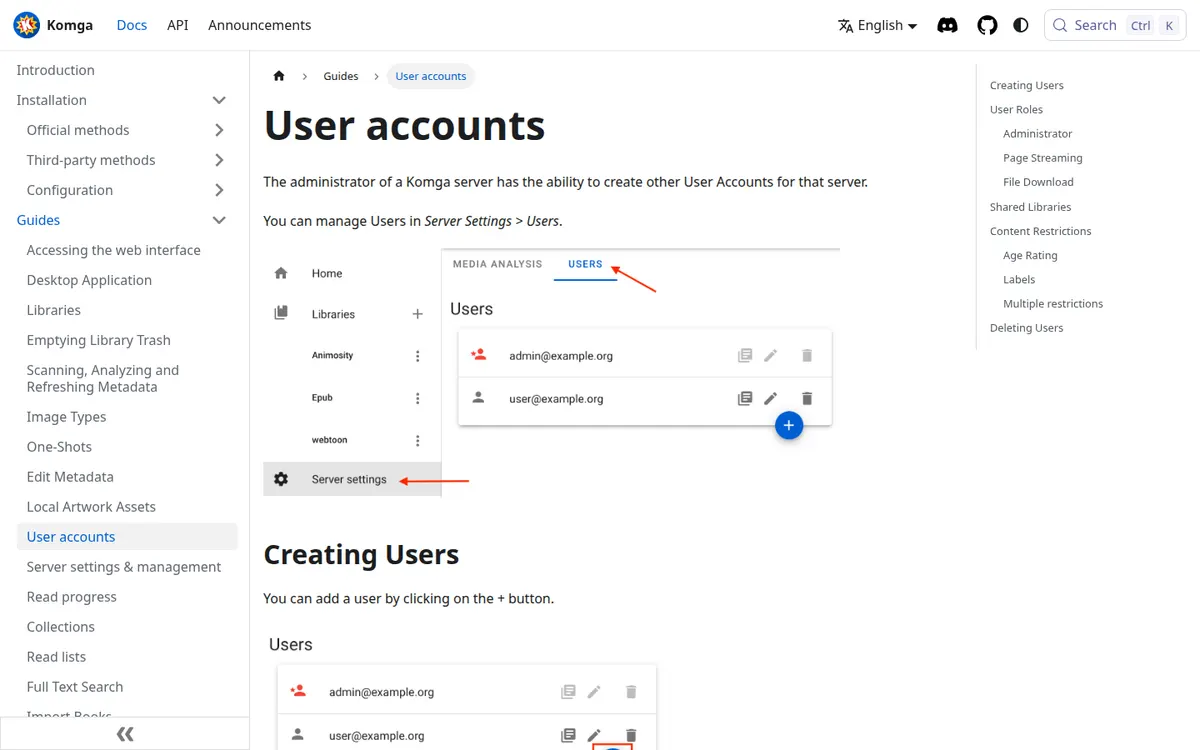
This is where Komga earns its place on an adult comics site. Every reader logs in; the administrator creates the accounts. Then, per user:
- Content restrictions by age rating.
- Content restrictions by label.
- Library sharing:
An administrator can limit what libraries users can access.
- Roles, including whether a user may download files.
In a shared household that means one adult library, one general library, and accounts that only see what they should. It also means the access control lives on the server, so it applies whichever app a person uses. Our private library page compares this with the app-level locks in Panels, YACReader and Mihon.
Komga's pages do not include a telemetry statement that we could find. For a server on your own network that matters less than for a phone app, but it is not confirmed either way.
Price
Komga is free. There is no paid tier, no subscription and no ads. The cost is the hardware it runs on and your time.
Limits
You have to install and run it, on a machine that is on when you want to read. There is no official mobile app, so the phone experience depends on a third-party client, and the best iPhone option charges for OPDS. Older apps can break: Komga's docs say Chunky Reader does not work anymore with Komga 1.4.0+
. Reading away from home means exposing the server to the internet or using a VPN to your home network, which Komga leaves to you.
Pros
- Free and open source; the library stays on your hardware.
- Per-user restrictions by age rating and label, and per-user library access.
- Web reader built in, plus OPDS and an official Mihon extension.
- Reads PDF as well as CBZ, CBR and EPUB.
Cons
- Needs a computer or NAS running Java, Docker or the desktop app.
- No official phone app.
- Telemetry not documented.
Komga vs Kavita, and other alternatives
Kavita is the other free self-hosted server. Both restrict users by age rating and both speak OPDS. Kavita's built-in readers include a webtoon mode, and it has an optional $4-a-month Kavita+ subscription for metadata and progress sync. Komga is entirely free and has the official Mihon extension. For a mostly page-based collection of hentai manga and porn comics, either works; for a lot of long-strip adult webtoons, Kavita's webtoon reader is worth a look.
YACReader's free library server is a lighter option with paid phone apps and a folder lock on iOS, but no documented per-user age restrictions. All of them are on our adult comics reading apps page.
FAQ
Is Komga free?
Yes. Komga is open source under the MIT license, with no paid tier and no ads.
Does Komga have a mobile app?
No official one. Phones use the web reader in a browser, an OPDS app such as Panels or CDisplayEx Premium, or Mihon with Komga's official extension.
Can Komga read PDF comics?
Yes. Komga lists CBZ and CBR archives, EPUB and PDF.
Can Komga hide adult comics from other users?
Yes. The administrator can restrict each account by age rating and by label, and choose which libraries each account can open.
Can I read Komga offline?
Through a client that downloads, such as Panels or CDisplayEx Premium, once the account has the File Download role. The web reader needs a connection to the server.
Final verdict
Verdict
Komga is the right tool for anyone with a growing pile of DRM-free hentai manga, doujinshi and porn comics files and more than one device, or more than one person, in the house. It costs nothing, reads PDF and CBZ alike, and its age-rating and label restrictions are the strongest privacy control on this list because they apply to every app. The price is running a server, and on an iPhone, paying Panels for OPDS.