
In short
- Cancel where you paid: the service's website for web subscriptions, Apple or Google for app subscriptions. Uninstalling the app does not cancel.
- Toomics VIP: Account Settings, then "Cancel VIP Membership" on the website. A "Free Month" offer can hide the button for a few weeks.
- Lezhin has no subscription to cancel; it sells coins, refundable within 7 days if unused.
- Honeytoon cancels only by email, at least 24 hours before renewal. FAKKU's prepaid cards never renew.
The one rule that covers every service: a subscription is cancelled by whoever bills you. If the charge on your statement comes from Apple or Google, the service's own website cannot stop it, and if you subscribed on the website, the App Store cannot. Find the receipt first, then use the matching route below. The other guides cover subscriptions and refunds in more depth.
Cancelling through the App Store or Google Play
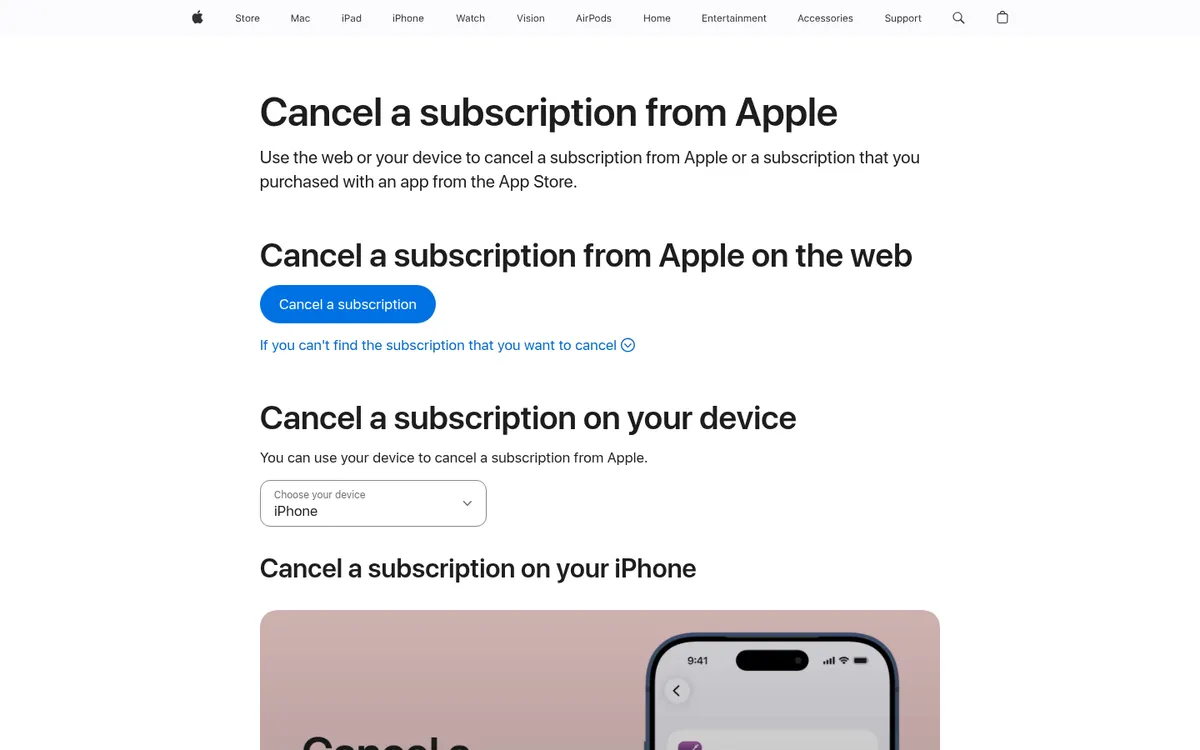
Apple publishes the iPhone route on its support page "Cancel a subscription from Apple":
- Open Settings and tap your name.
- Tap Subscriptions, then the comic app's subscription.
- Tap Cancel Subscription (scroll down if you do not see it). If there is no button, or the expiry date shows in red, Apple says it is already cancelled.
To avoid paying after a free trial, Apple says to cancel at least 24 hours before the trial ends. On Android, open the Google Play subscriptions page, pick the subscription, tap Cancel subscription and follow the on-screen steps. Google also says that uninstalling the app does not cancel the subscription, and that access runs to the end of the period you already paid for.
Services that sell their plans only through the stores send you here: WEBTOON Premium is cancelled from the Subscriptions page of the App Store or Google Play, and Tappytoon Club through the store where you subscribed.
How to cancel a Toomics subscription
Toomics VIP bought on the website is cancelled in your account settings:
- Sign in on the Toomics website.
- Open Account Settings.
- Click "Cancel VIP Membership".
Toomics offers a "Free Month" to VIP members who try to cancel, and that free month auto-renews. While the offer runs, Toomics says the cancel button stays hidden until the second or third week, so if you accepted it, check back then. Toomics support can cancel a web subscription manually; it cannot cancel one bought on iPhone, which goes through Apple's steps above.
Refunds: Toomics refunds VIP within 14 days after the purchase
only if no VIP content was read, and coins within 7 days only if none were used. App Store purchases are refunded by Apple. Prices and plan lengths are on Toomics price.
How to cancel a Lezhin subscription
Lezhin's US store has no subscription plan. Neither the website nor its App Store purchase list shows one; reading is paid per episode with coins bought one pack at a time, and nothing renews. If you want your money back for a coin pack, Lezhin's terms allow a refund request within 7 days of your purchase of Virtual Currency
, but not if any of those coins were spent.
If a recurring charge does appear that you link to Lezhin, check who is billing you: Apple and Google list every subscription they bill on their subscriptions pages, and anything there can be cancelled with the steps above. Coin prices are on Lezhin coins price.
Cancelling on the other services
| Service | How to cancel | What to know |
|---|---|---|
| TOPTOON Plus | Profile settings on the website, or email cs_global@toptoon.com | Benefits last to the end of the month; no refund |
| Tappytoon Club | Through the store where you subscribed | Purchases and unlocks are final |
| Manta | Web account, App Store or Google Play, depending on how you paid | Turn off auto-renew at least 24 hours before the period ends; signing out or deleting the app does not cancel |
| Honeytoon | Email contact@honeytoon.com | At least 24 hours before the period ends; no cancel button |
| FAKKU Unlimited | Subscription Settings, Cancel Subscription | FAKKU calls this the only method; access runs to the end of the period. Prepaid cards are one-off |
| MangaPlaza Premium | My Account, Premium Membership Details, Cancel Premium Membership | Email requests are not accepted; the 7-day trial converts to paid |
| Patreon | Settings, Memberships, View Details, Cancel membership | In the app: the creator's page, three dots, Your membership, Edit membership |
| pixivFANBOX | Supported Creators, Change Plan, Stop being a FAN | Access to the end of the month; no refund for the rest of it |
| Kirtu | Through Epoch or CCBill, or the contact form | Terms ask for notice 7 days before renewal |
| Slipshine | CCBill support, or email Slipshine support | No account button |
| Filthy Figments | My Account, Subscriptions, View, Cancel | Access continues until the prepaid term ends |
Honeytoon is the one to watch. Its payment policy says: To cancel, please send a cancellation email to contact@honeytoon.com at least 24 hours before the end of the current subscription period.
Its plans renew every 1, 4, 12 or 24 weeks, so a weekly plan leaves little time. Send the email early and keep the reply.
Manta is the one people get wrong: signing out of your account or deleting the Manta app does not cancel your Membership.
It helps to know where you subscribed, because 3-month and 12-month Standard plans start only in the app.
Patreon memberships bought in the iOS app are billed by Apple, so those are cancelled in Apple's settings. On every route, Patreon keeps your access until the end of the billing period and doesn't typically offer refunds
.
Charges from a billing company
Some adult sites bill through a third-party processor, and the name on your statement is the processor's. Kirtu's FAQ says your statement shows Epoch.com or CCBill
, Slipshine's charges appear as "CCBill.com *Slipshine Studio", and Filthy Figments' as "CCBILL*StrawberryC". When the site has no cancel button, as with Kirtu and Slipshine, the processor's support page is the way to cancel. More on statement names is in are adult comic sites safe.
Before you cancel, it can be worth checking whether a cheaper plan or per-episode reading fits better; see how comic subscriptions work and the adult comics subscription pricing overview. Closing the account itself is a separate step, covered in deleting a comic app account.
FAQ
Does deleting the app cancel my subscription?
No. Google says uninstalling does not cancel a Play subscription, and Manta says deleting its app does not cancel a membership. Cancel in the store's subscription settings or the service's web account.
Can I get a refund after cancelling Toomics?
Only within 14 days of buying VIP and only if you read no VIP content; coins within 7 days if none were used. Purchases made through the App Store are refunded by Apple.
Why can't I find the cancel button on Toomics?
If you accepted Toomics' "Free Month" offer, the button is hidden until the second or third week of it. If you subscribed on iPhone, cancel in Apple's subscription settings instead.
How do I cancel a Patreon membership?
On the web: Settings, Memberships, View Details, Cancel membership. In the app: open the creator's page, tap the three dots, Your membership, Edit membership, then Cancel membership.
How do I cancel a Lezhin subscription?
Lezhin's US store sells coins, not a subscription, so nothing renews. Unused coins can be refunded within 7 days of purchase.